
SORYNO CLIP
削った部分が、目で見える。See what you shaved off.
飛び出した頭を、決めた天井で切り落とすクリッパーです。削った部分が波形に重なって見えます。A clipper that shaves the peaks off. The part it removed is drawn right on the waveform.
- 無料版 ありFree edition
- 期限 なしNo time limit
- 認証 なしNo activation
- Windows VST3
SORYNO CLIP が動いている画面です。最初の4秒は DRIVE 0(ほとんど削らない=通す前)、そのあと DRIVE を上げて削ります。琥珀色が、削り取った部分です。右下のボタンで音が出ます(音は自作曲)。SORYNO CLIP at work. For the first 4 seconds DRIVE is at 0 (almost nothing is clipped: before); then DRIVE goes up and it clips. The amber area is the part that was removed. Use the button at the bottom right to hear it (our own song).
無料版でできることWhat the free edition doesFREE
無料版は「機能を削った体験版」ではありません。これだけで仕事が終わることを目指しています。The free edition is not a crippled trial. The aim is that it is enough to finish the job.
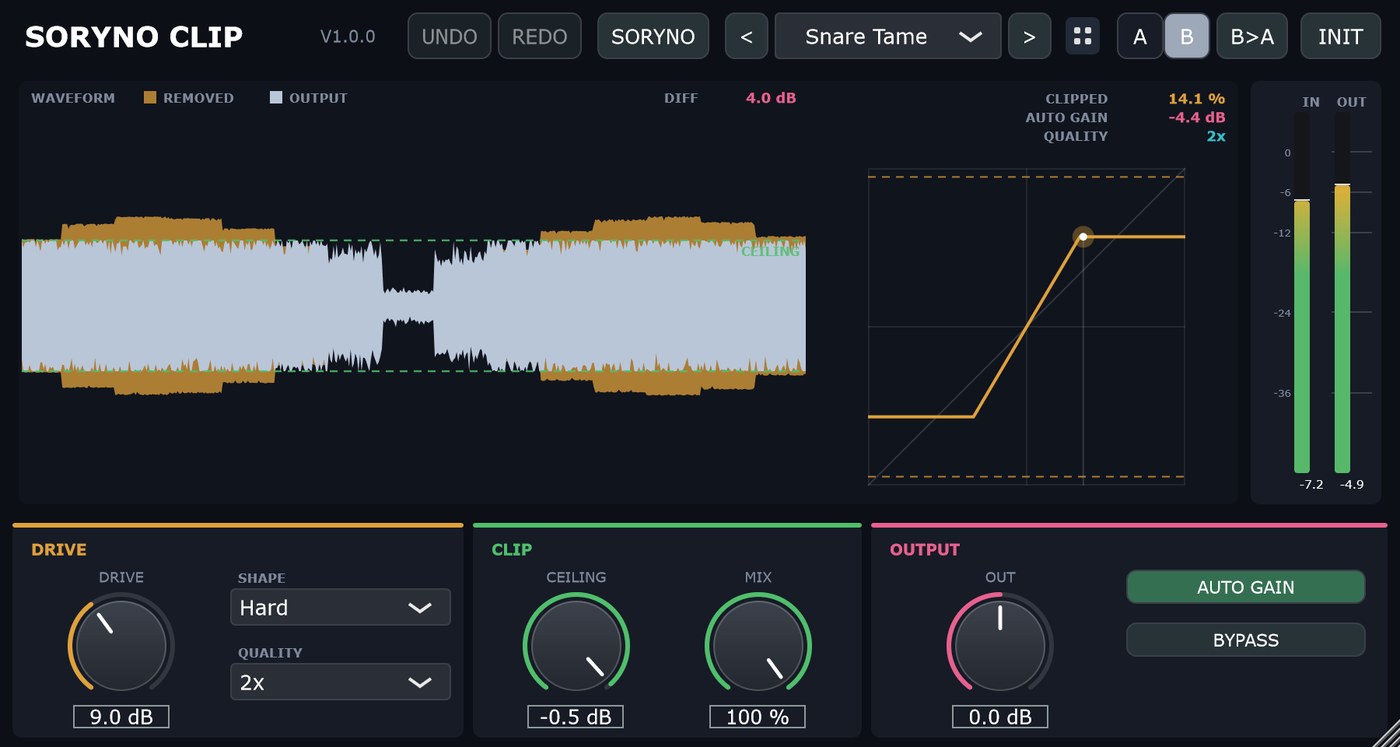
画面は SORYNO CLIP です。この製品に Pro はありません。これで全部です。The screenshot shows SORYNO CLIP. There is no Pro edition; this is the whole thing.
- 天井へどれだけ押し込むかを決める(DRIVE 0〜+24 dB)
- 潰した側は CEILING を超えません(−24〜0 dB。オーバーサンプリングのはみ出しも先読みで抑えます)
- 角の丸さを選ぶ(SHAPE:Hard / Soft / Round)。原音と混ぜる量も決められる(MIX・パラレル)
- 削り取った部分が、波形に重なって見える(天井の線は DRIVE のぶん下りてきます)
- 転送カーブの光点・CLIPPED %・AUTO GAIN の戻し量・QUALITY をいつも表示
- AUTO GAIN は下げる方向だけ。潰した音と潰していない音を同じ音量で比べられます
- 2x オーバーサンプリング(既定)/プリセット 12種
- Set how far the signal is pushed into the ceiling (DRIVE 0 to +24 dB)
- The clipped path never goes above CEILING (-24 to 0 dB); overshoot from oversampling is caught by a short lookahead
- Choose the corner (SHAPE: Hard / Soft / Round) and blend with the dry sound (MIX, parallel)
- The part that was removed is drawn on the waveform, and the ceiling line moves down as DRIVE goes up
- A glowing dot on the transfer curve, with CLIPPED %, auto gain and quality readouts
- AUTO GAIN only ever turns the level down, so clipped and unclipped are compared at the same loudness
- 2x oversampling by default · 12 presets
入手するGet it
どちらで入手しても、中身は同じです。It is the same file wherever you get it.
FREE SORYNO CLIP はこちら(無料)SORYNO CLIP (no charge)
BOOTH で入手 →Get it on BOOTH → 公式サイトからダウンロード(2.76 MB)Download from this site (2.76 MB)
BOOTH は無料の pixiv アカウントでのログインが必要です。公式サイトからは、登録もメールアドレスも要らずにダウンロードできます。BOOTH needs a free pixiv account. The download from this site needs no sign-up and no email address.
Pro 版はありませんThere is no Pro edition
この製品に Pro はありません。いまの無料版がすべてです。期限も機能の制限もありません。There is no Pro edition of this plug-in. The free edition is the whole thing, with no time limit and nothing held back.
動作環境Requirements
| OSOS | Windows 10 / 11 (64-bit) |
|---|---|
| 形式Format | VST3(Mac 版・AAX 版はありません) only (no macOS or AAX version) |
| 対応Audio | 44.1 / 48 / 96 / 192 kHz、モノラル/ステレオ, mono or stereo |
| 容量Disk | 約 7 MBAbout 7 MB |
| 認証Activation | ありません。オフラインで動き、台数の制限もありませんNone. Runs offline, with no limit on the number of machines |
導入のしかたInstalling
ZIP を展開し、中の「インストール.bat」を実行してください(英字名の「Install.bat」も同じものです)。管理者権限は要りません。お使いのユーザー領域(%LOCALAPPDATA%\Programs\Common\VST3)に入ります。
そのあと DAW を起動し、プラグインの再スキャンをすると一覧に出てきます。
Unzip and run Install.bat. No administrator rights are needed. It installs into your own user area (%LOCALAPPDATA%\Programs\Common\VST3).
Then start your DAW and rescan your plug-ins.
「WindowsによってPCが保護されました」と出たら、「詳細情報」→「実行」で進めてください。開発元の証明書(有償)を取得していないために出るもので、中身の問題ではありません。If Windows says "Windows protected your PC", choose "More info", then "Run anyway". The build is not code-signed; there is nothing wrong with the file.
使用条件:台数の制限はありません。商用利用もできます。再配布・転売はご遠慮ください。→ 使用許諾と免責Licence: no limit on machines, commercial use allowed, please do not redistribute or resell. → Licence and Disclaimer
ほかの製品The other plug-ins
操作感はどれも同じです。組み合わせて使えます。They all work the same way, and are made to be used together.
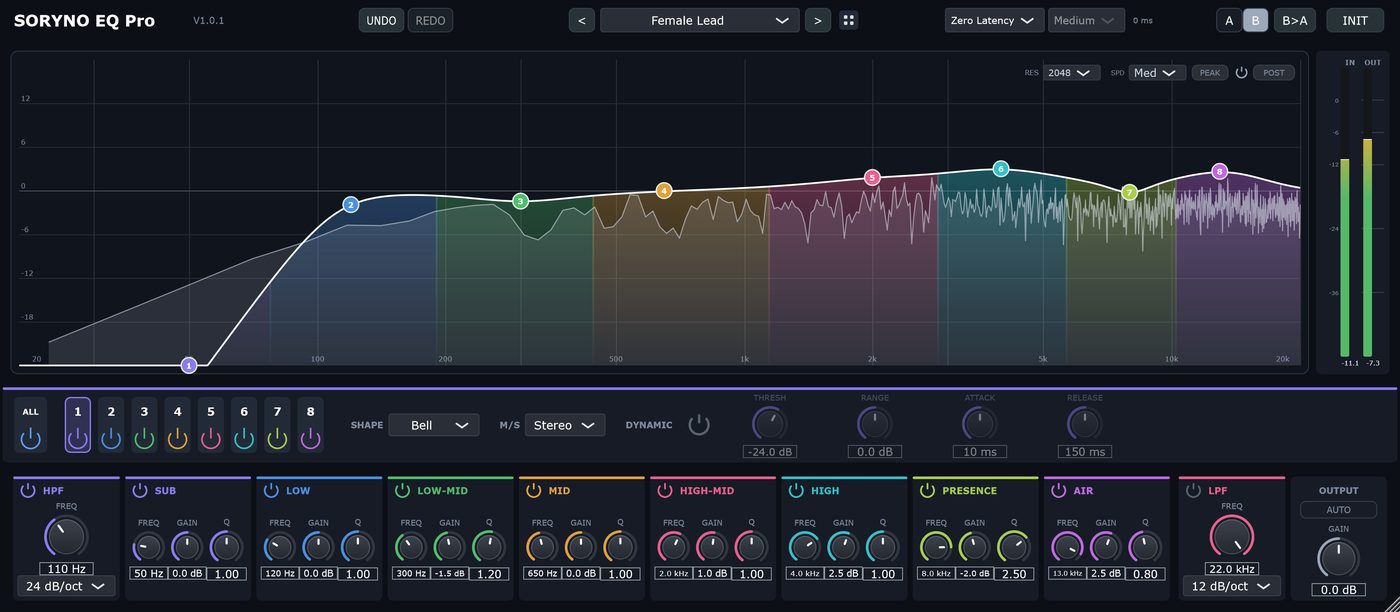
SORYNO EQ
音の高さごとのバランスを整えます。ミックスの土台になる道具です。Sets the balance between the frequency ranges. The tool a mix is built on.
詳しく見る →See details →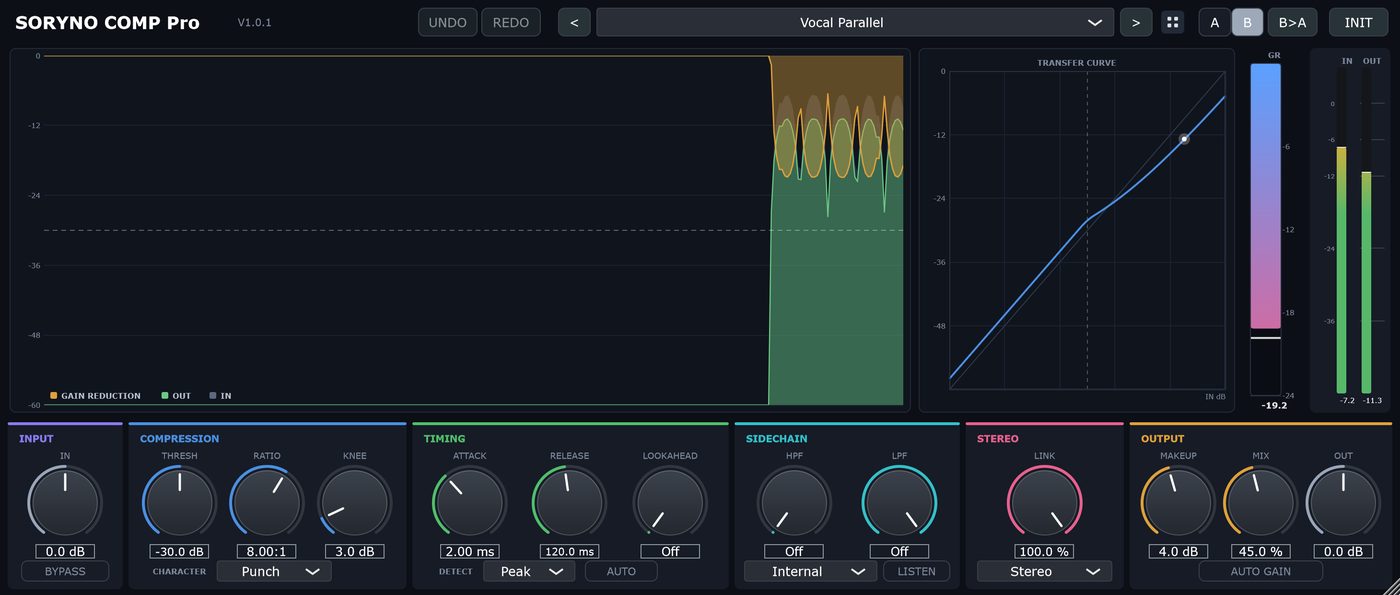
SORYNO COMP
音量の大小を整えます。何が起きているかが図で見えます。Evens out the level, and shows you what it is doing while it does it.
詳しく見る →See details →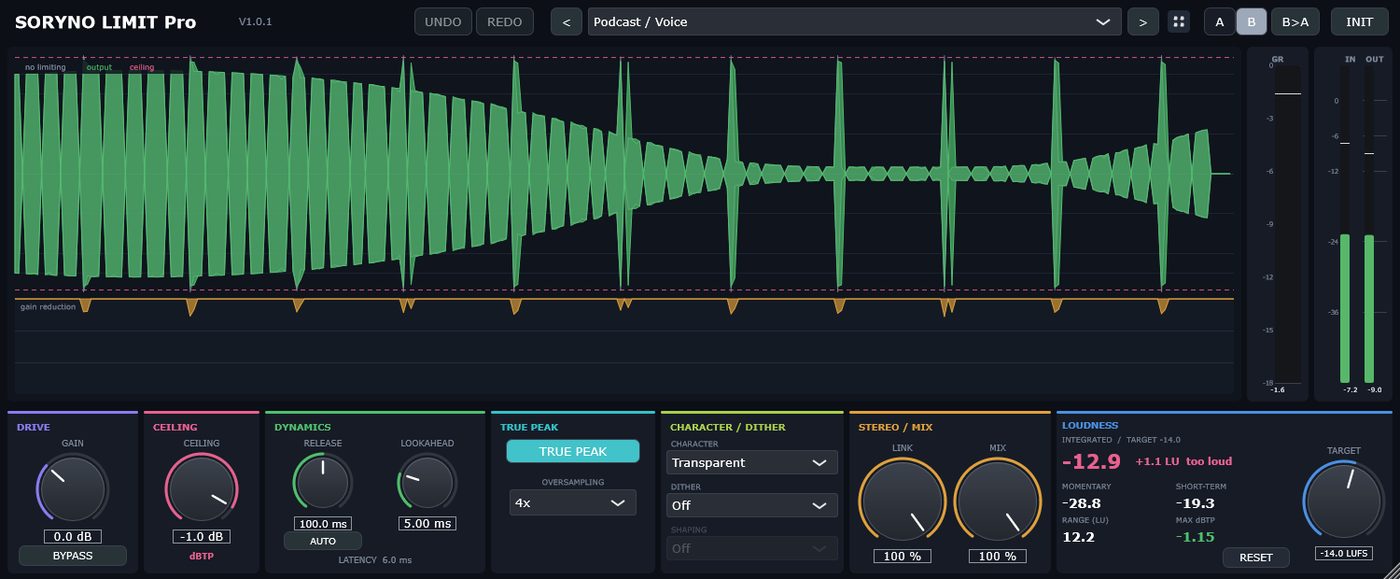
SORYNO LIMIT
書き出し直前の最終段。音圧を上げ、上限を超えないようにします。The last stage before export. It raises the loudness and keeps the output under the ceiling.
詳しく見る →See details →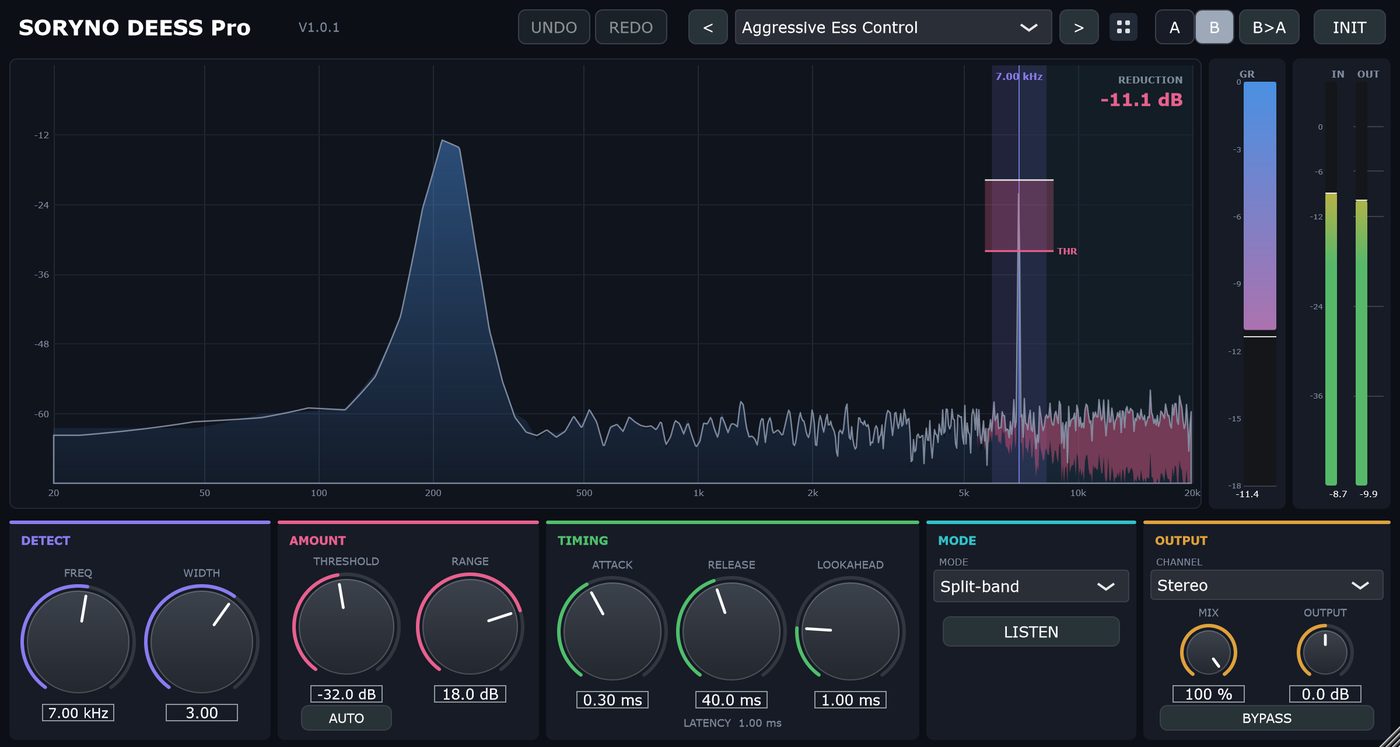
SORYNO DEESS
歌の「サ行」が耳に刺さる問題を抑えます。取り除いている音だけを聴けます。Tames harsh sibilance on vocals. You can listen to only the part being removed.
詳しく見る →See details →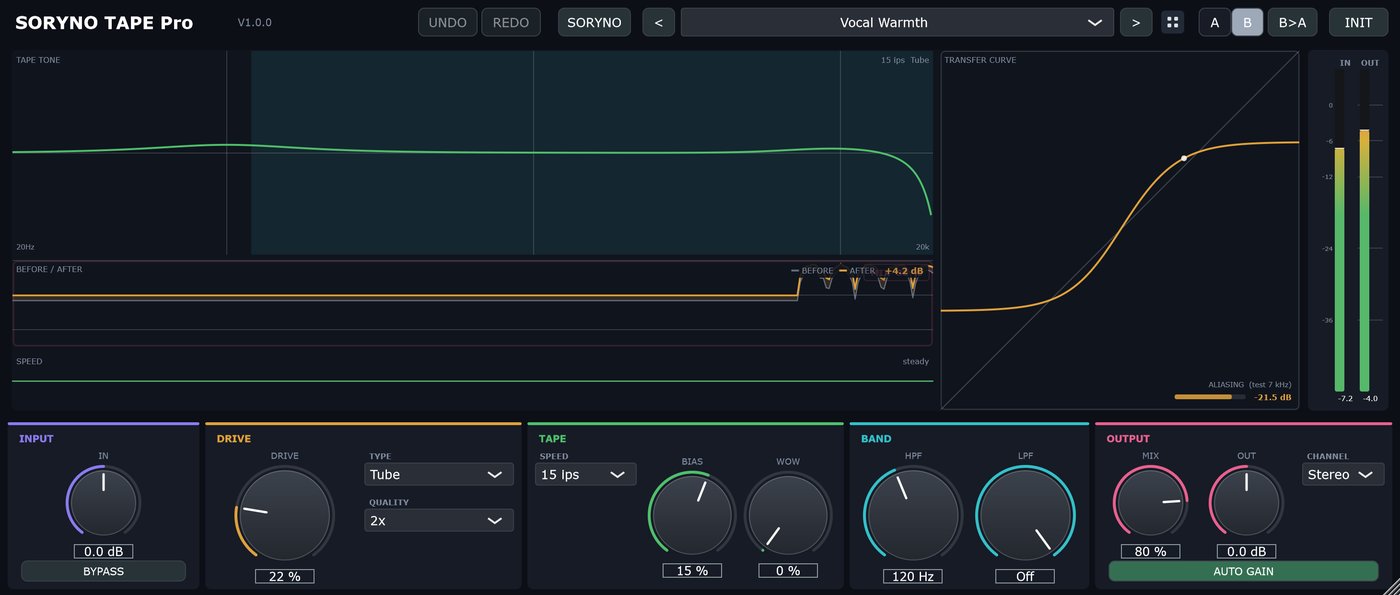
SORYNO TAPE
音に「足す」ためのテープ サチュレーターです。どれだけ歪ませているかが、転送カーブの光点で見えます。A tape saturator for adding to a sound. The glowing dot on the transfer curve shows how hard you are driving it.
詳しく見る →See details →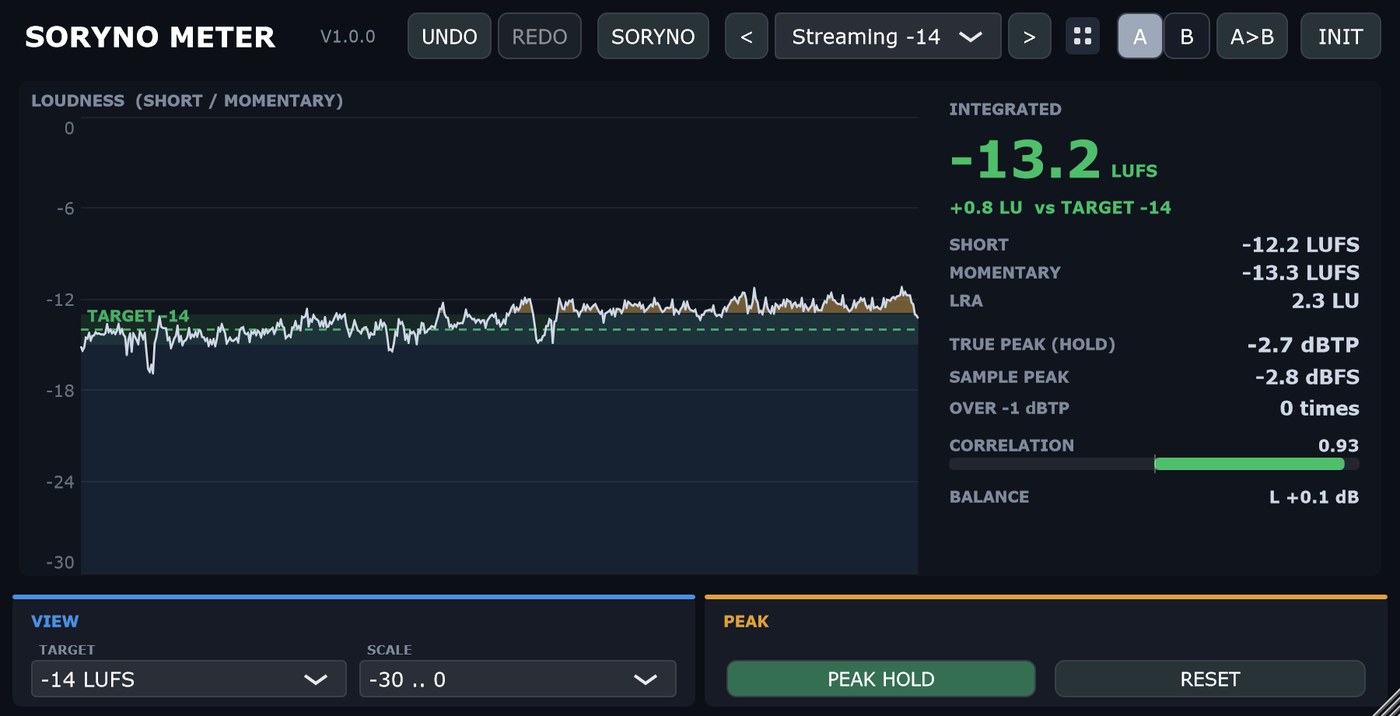
SORYNO METER
いま何 LUFS か、天井にどれだけ近いか、左右が打ち消し合っていないかを、1画面で見るラウドネスメーターです。音は一切変えません。A loudness meter that shows, on one screen, how loud you are in LUFS, how close you are to the ceiling and how alike left and right are. It never changes the sound.
詳しく見る →See details →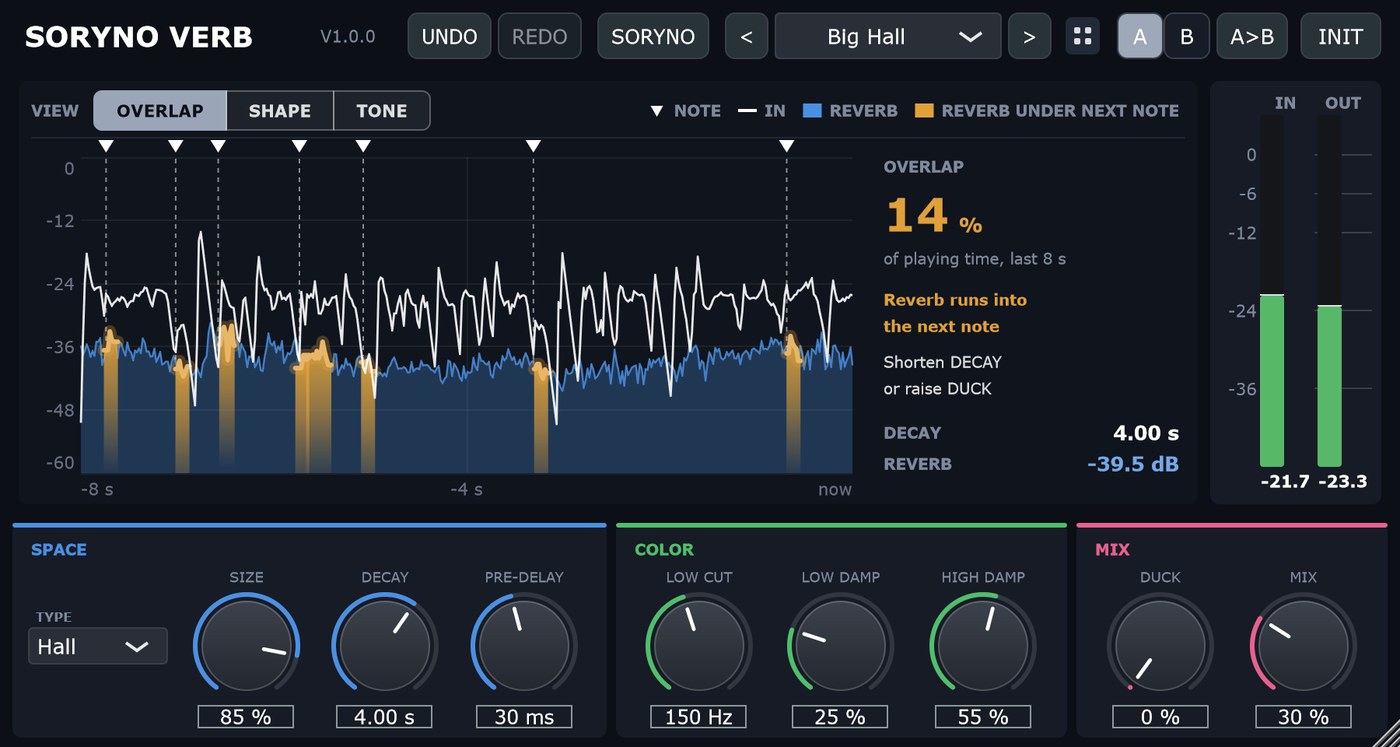
SORYNO VERB
前の音の響きが次の音にかぶって濁っている所を、時間の上で琥珀に塗って見せるリバーブです。「この響き、長すぎない?」に目で答えます。A reverb that paints amber, on a time line, the places where the reverb of one note is still ringing under the next. It shows you when the reverb is too long.
詳しく見る →See details →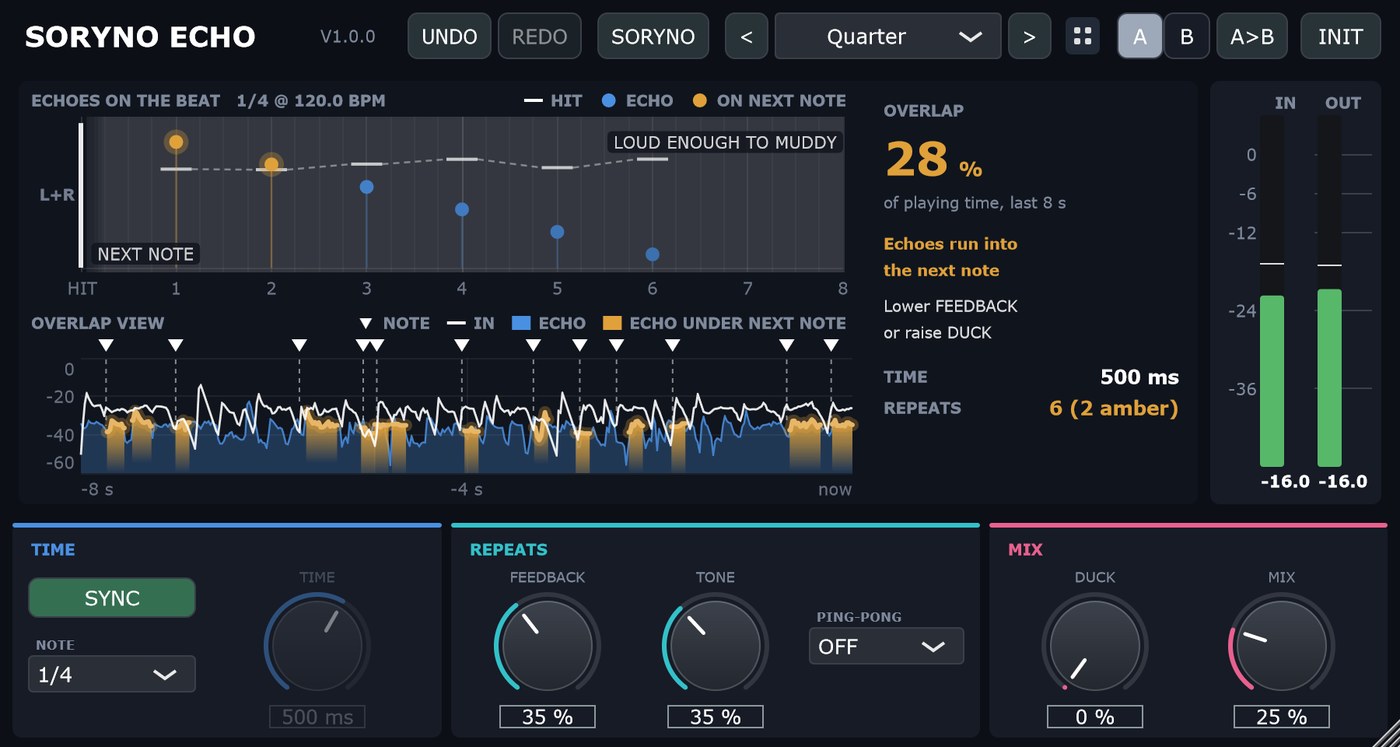
SORYNO ECHO
跳ね返りを拍の目盛りの上に点で並べ、次の音にかぶって濁らせている跳ね返りを琥珀で見せるディレイです。DAW のテンポに合わせて跳ねます。A tempo-synced delay that draws every repeat on the beat grid and paints amber the repeats that land on the next note.
詳しく見る →See details →