
SORYNO TAPE
整えるのではなく、足す。The others tidy up. This one adds.
音に「足す」ためのテープ サチュレーターです。どれだけ歪ませているかが、転送カーブの光点で見えます。A tape saturator for adding to a sound. The glowing dot on the transfer curve shows how hard you are driving it.
- 無料版 ありFree edition
- 期限 なしNo time limit
- 認証 なしNo activation
- Windows VST3

SORYNO TAPE Pro の画面です。無料版の画面は下にあります。SORYNO TAPE Pro. The free edition is shown further down.
無料版でできることWhat the free edition doesFREE
無料版は「機能を削った体験版」ではありません。これだけで仕事が終わることを目指しています。The free edition is not a crippled trial. The aim is that it is enough to finish the job.
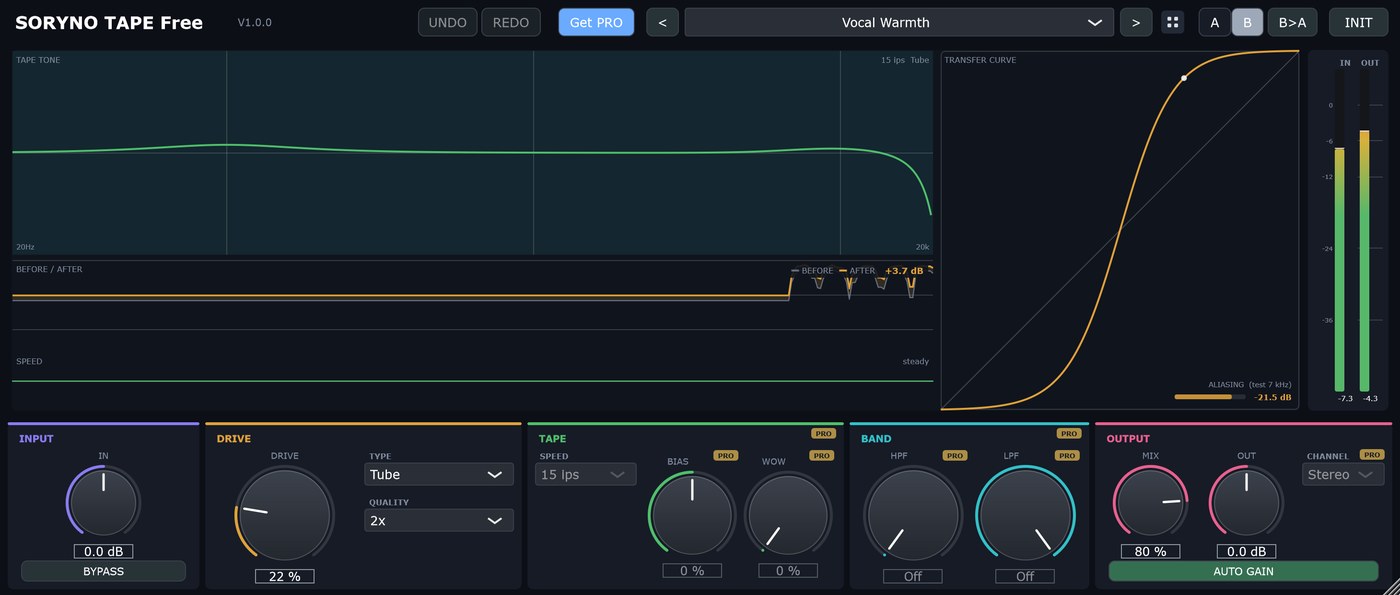
画面は無料版の SORYNO TAPE Free です。Pro ではテープ速度・BIAS・WOW・BAND・Mid-Side・4x / 8x が増えます。The screenshot shows the free version, SORYNO TAPE Free. Pro adds tape speed, bias, wow and flutter, band limits, Mid-Side and 4x / 8x.
- かかり具合を決める(DRIVE 0〜100%。0 では歪みません)
- 歪み方の性格を選ぶ(TYPE:Tape / Tube / Transformer)。原音と混ぜる量も決められる(MIX・パラレル)
- いま鳴っている音がどれだけ歪んでいるかが、転送カーブの光点で見える(画面の曲線と実際の音は同じ計算から作っています)
- つまみを動かすと、効きが出るグラフに色の枠と名前・値が約2秒出る
- 原音と加工後を重ねて差を dB で出す(BEFORE / AFTER)。AUTO GAIN で公平に比べられる
- 2x オーバーサンプリングを無料版にも(ALIASING の実測値を表示)/プリセット 14種
- Set how hard it works (DRIVE 0-100 %; at 0 nothing is distorted)
- Choose the character (TYPE: Tape / Tube / Transformer) and blend with the dry sound (MIX, parallel)
- A glowing dot on the transfer curve shows how hard the sound is being driven right now, drawn from the same calculation as the audio
- The graph a knob affects is framed in that knob's colour for about 2 s
- A BEFORE / AFTER view with the difference in dB, and AUTO GAIN for a fair comparison
- 2x oversampling in the free edition too, with an ALIASING readout · 14 presets
Pro で増えることWhat the Pro edition addsPRO
Pro でしか使えない機能は、無料版の画面にも灰色で出ています。隠さないためです。Pro-only controls are still shown in grey in the free edition, so nothing is hidden from you.
- テープの速度・BIAS・WOW(揺れ)
- 歪ませる帯域を決める(BAND)/真ん中だけ・横だけ(Mid-Side)
- QUALITY 4x / 8x/プリセット 44種
- 無料版で作ったユーザープリセットは、Pro に自動で引き継がれます
- Tape speed, bias and wow and flutter
- Band limits for what gets saturated, and Mid-Side
- QUALITY 4x / 8x · 44 presets
- User presets made in the free edition carry over to Pro automatically
入手するGet it
どちらで入手しても、中身は同じです。It is the same file wherever you get it.
FREE SORYNO TAPE Free はこちら(無料)SORYNO TAPE Free (no charge)
BOOTH で入手 →Get it on BOOTH → 公式サイトからダウンロード(2.78 MB)Download from this site (2.78 MB)
BOOTH は無料の pixiv アカウントでのログインが必要です。公式サイトからは、登録もメールアドレスも要らずにダウンロードできます。BOOTH needs a free pixiv account. The download from this site needs no sign-up and no email address.
PRO SORYNO TAPE Pro はこちらSORYNO TAPE Pro
BOOTH で購入(¥1,980)→Buy on BOOTH (1,980 JPY) → 公式サイトで購入(カード・pixiv 不要)→Buy on this site (card, no pixiv) →
¥1,980(公式サイトでは $12.99)。 ライセンス認証はありません。今後のアップデートも追加費用なしです。 公式サイトでのご購入は米ドル建てです。1,980 JPY ($12.99 on this site). There is no licence activation, and future updates are included at no extra cost. On this site the price is in US dollars.
動作環境Requirements
| OSOS | Windows 10 / 11 (64-bit) |
|---|---|
| 形式Format | VST3(Mac 版・AAX 版はありません) only (no macOS or AAX version) |
| 対応Audio | 44.1 / 48 / 96 / 192 kHz、モノラル/ステレオ, mono or stereo |
| 容量Disk | 約 7 MBAbout 7 MB |
| 認証Activation | ありません。オフラインで動き、台数の制限もありませんNone. Runs offline, with no limit on the number of machines |
導入のしかたInstalling
ZIP を展開し、中の「インストール.bat」を実行してください(英字名の「Install.bat」も同じものです)。管理者権限は要りません。お使いのユーザー領域(%LOCALAPPDATA%\Programs\Common\VST3)に入ります。
そのあと DAW を起動し、プラグインの再スキャンをすると一覧に出てきます。
Unzip and run Install.bat. No administrator rights are needed. It installs into your own user area (%LOCALAPPDATA%\Programs\Common\VST3).
Then start your DAW and rescan your plug-ins.
「WindowsによってPCが保護されました」と出たら、「詳細情報」→「実行」で進めてください。開発元の証明書(有償)を取得していないために出るもので、中身の問題ではありません。If Windows says "Windows protected your PC", choose "More info", then "Run anyway". The build is not code-signed; there is nothing wrong with the file.
使用条件:台数の制限はありません。商用利用もできます。再配布・転売はご遠慮ください。→ 使用許諾と免責Licence: no limit on machines, commercial use allowed, please do not redistribute or resell. → Licence and Disclaimer
ほかの製品The other plug-ins
操作感はどれも同じです。組み合わせて使えます。They all work the same way, and are made to be used together.
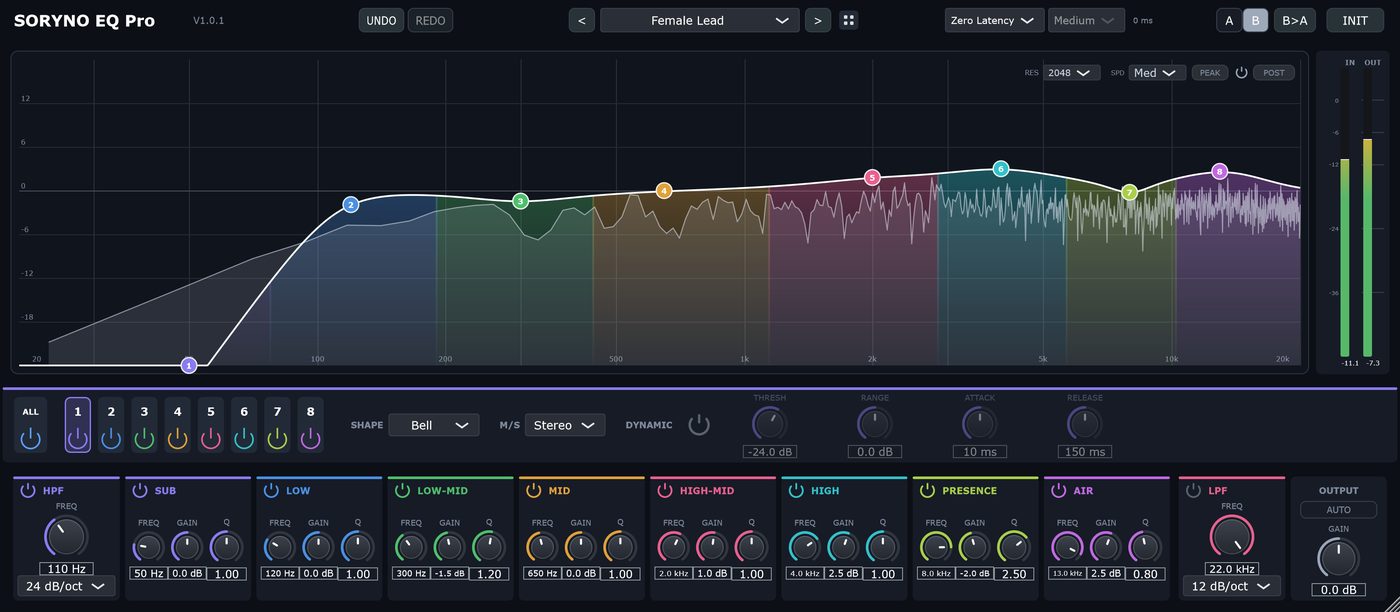
SORYNO EQ
音の高さごとのバランスを整えます。ミックスの土台になる道具です。Sets the balance between the frequency ranges. The tool a mix is built on.
詳しく見る →See details →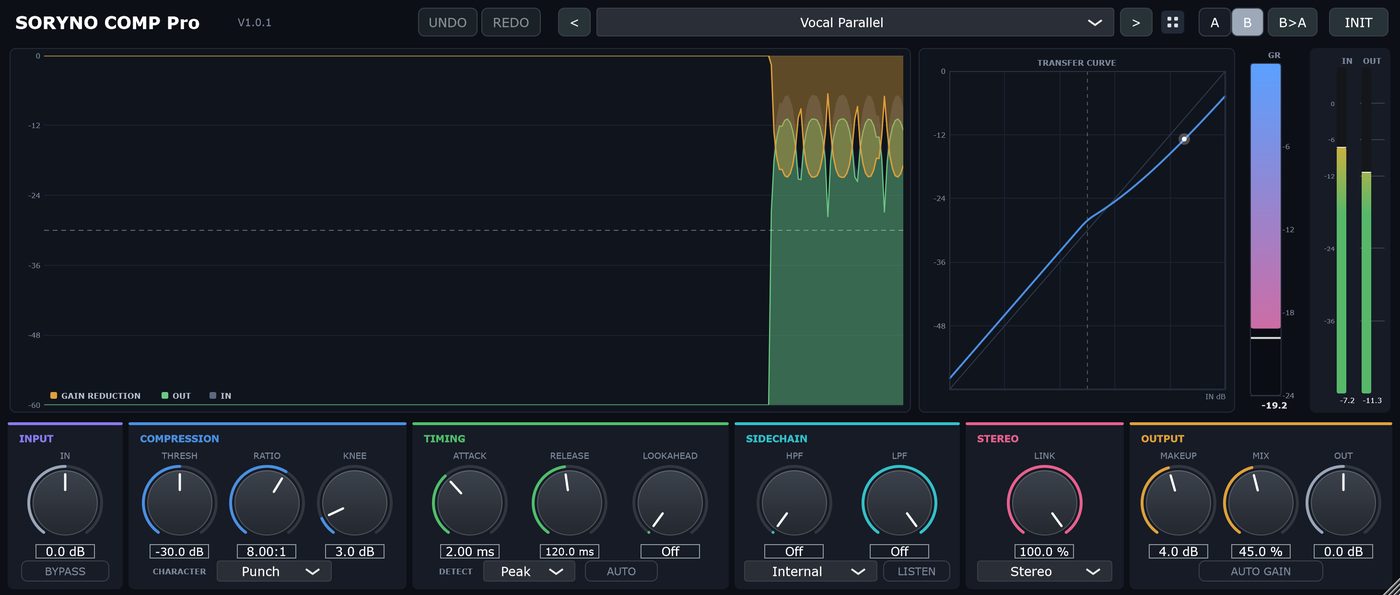
SORYNO COMP
音量の大小を整えます。何が起きているかが図で見えます。Evens out the level, and shows you what it is doing while it does it.
詳しく見る →See details →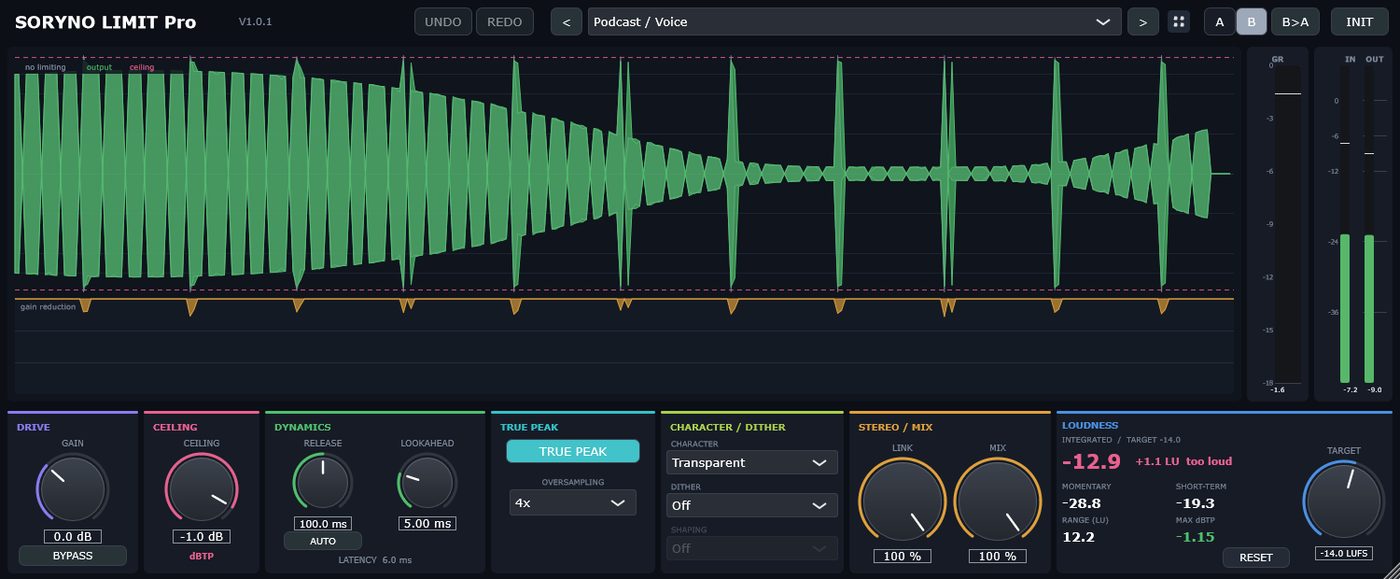
SORYNO LIMIT
書き出し直前の最終段。音圧を上げ、上限を超えないようにします。The last stage before export. It raises the loudness and keeps the output under the ceiling.
詳しく見る →See details →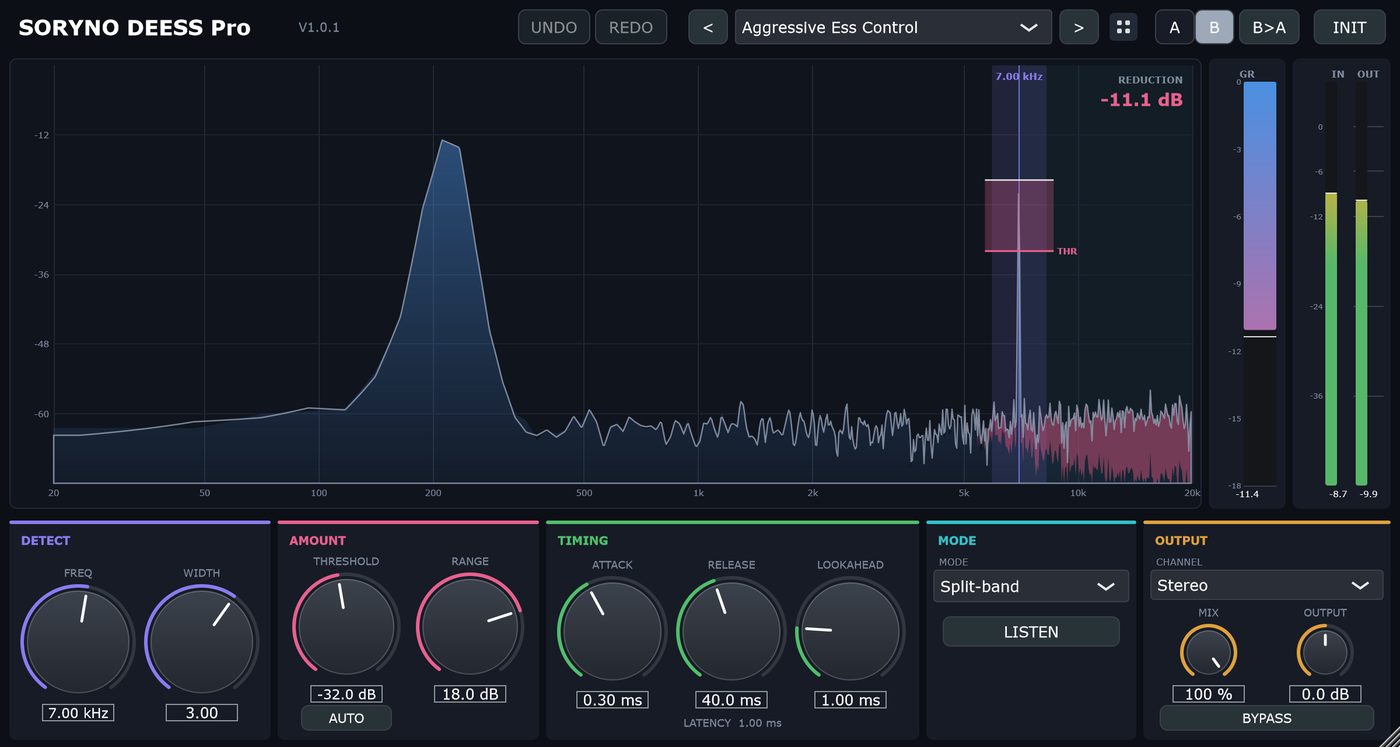
SORYNO DEESS
歌の「サ行」が耳に刺さる問題を抑えます。取り除いている音だけを聴けます。Tames harsh sibilance on vocals. You can listen to only the part being removed.
詳しく見る →See details →
SORYNO CLIP
飛び出した頭を、決めた天井で切り落とすクリッパーです。削った部分が波形に重なって見えます。A clipper that shaves the peaks off. The part it removed is drawn right on the waveform.
詳しく見る →See details →
SORYNO METER
いま何 LUFS か、天井にどれだけ近いか、左右が打ち消し合っていないかを、1画面で見るラウドネスメーターです。音は一切変えません。A loudness meter that shows, on one screen, how loud you are in LUFS, how close you are to the ceiling and how alike left and right are. It never changes the sound.
詳しく見る →See details →